






Everything posted by Mark R
-
ill take some tips on this crypto mate
-
ok the only way to change that is to disable the gadget animation unfortunately.Do you want me to do that?
-
Where is that image shown?
-
helloooooooo
-
Water elite prototype is cooking now
-
the slider is more streamlined,and i can add as many images as you want
-
I have created a new theme,water elite prototype
-
ok lots of theme work to do.Do we have a priority list?
-
Take a look at a new theme,clean look.this is a basic ips theme with the dark mode toggle functionality
-
all american dark i made some fixes
-
Hey this is pretty big news , the 4.5 update is out . This adds some good functionality and theme improvements.It will probably break a bunch of shit but hey that’s what we do right ?
-
any thoughts or requests?
-
im looking at the slider currently,i may even rip that slider out and put in a new one,more work though lol,something like this one maybe? with smaller images like a carousel

-
https://www.google.com/maps/place/Washington,+DC/@38.893596,-77.014576,11z/data=!4m5!3m4!1s0x89b7c6de5af6e45b:0xc2524522d4885d2a!8m2!3d38.9071923!4d-77.0368707?hl=en-US https://www.google.com/maps/place/Washington,+DC/@38.893596,-77.014576,11z/data=!4m5!3m4!1s0x89b7c6de5af6e45b:0xc2524522d4885d2a!8m2!3d38.9071923!4d-77.0368707?hl=en-US https://www.google.com/maps/place/Washington,+DC/@38.893596,-77.014576,11z/data=!4m5!3m4!1s0x89b7c6de5af6e45b:0xc2524522d4885d2a!8m2!3d38.9071923!4d-77.0368707?hl=en-US
-
Try posting this https://www.google.com/maps/place/Washington,+DC/@38.893596,-77.014576,11z/data=!4m5!3m4!1s0x89b7c6de5af6e45b:0xc2524522d4885d2a!8m2!3d38.9071923!4d-77.0368707?hl=en-US
-
let me take a look at the post embed,im pretty sure you need to enable html posting and format the html yourself or at very least buy a plugin that allows this@Mark look up dude 🙂maps is done @Mark boom
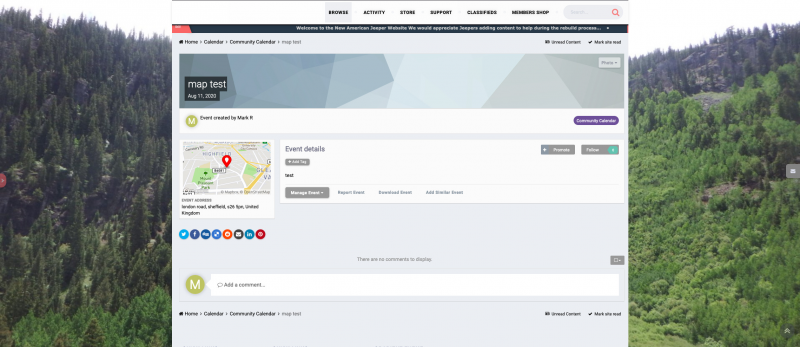 @Mark im gonna have another pop at this,hold off on hiring someone in for thisOK to recap trails now has ability to show 10 slides all can be uploaded from acp. adding slides requires a lot of code level changes in this theme as i have to add around 4 settings and language strings from ftp for each slide and each has to have a unique key.You will see i havent added language strings to all settings yet but they still work. How many slides do you want? also to add this amount of slides to each theme individually will take a lot longer,let me know mate.i added some extra slides to trails,to be honest it woule be easier to clone the trails theme and then change the bgs to rock woods etc rather than add settings to each theme as it is very very time consuming.adding thise skides to this theme was a royal pita.Hey, i fixed the slider on this theme,it was completely jacked.that messed the header as well.Did you see i added the 25 slides to water elite and also added the upload faeture there? To do it on these themes will take me a while but i can do it.





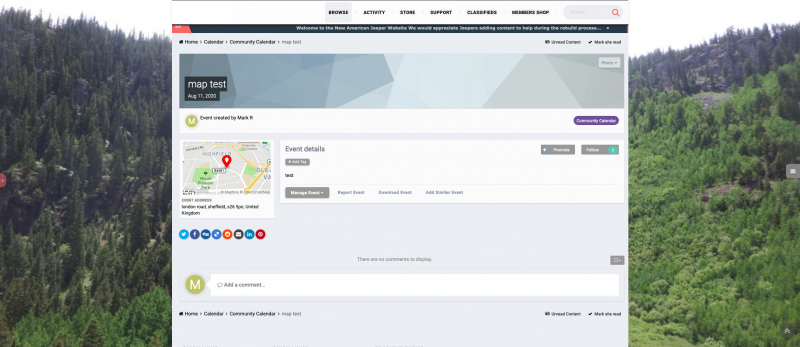
Important Information
This is New takes only a second its about all of us and respect..Have at it...:) and Welcome...