
Mark
Admin
-
Joined
-
Last visited
Everything posted by Mark
-
Like I said the non log in page is not important Just showing what I see... anyhow thanks as always man...
-
Dylan see what you need to do to add Twitter to American Jeeper for log in this is a good little project for ya... Google log in is fixed you also can try to keep working on the mapping I also mentioned it to mark...
-
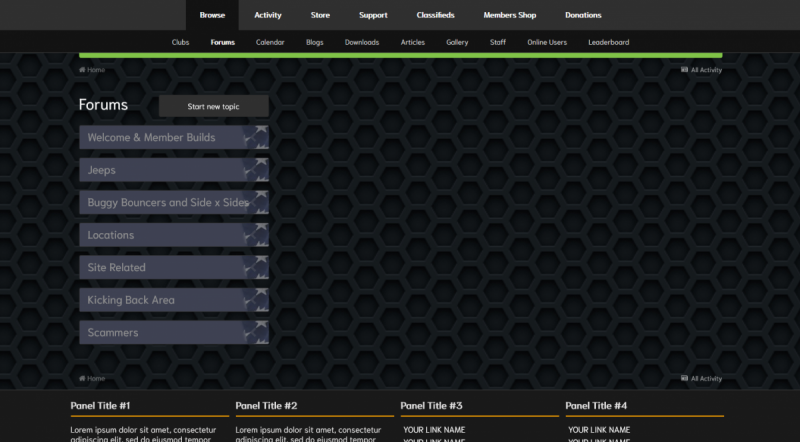
These are not urgent but should be simple for you... When I logged out to test login for FB and Google in other thread... I noticed a verification of human verse bot you know are you a robot question on the threads in posting areas. I think I have the ability for guest to post turned off if we can leave the authorization I can turn it back on as long as spam bots dont start going nuts... Thats more of a statement obviously...lol While logged out I see the basic All American Front end great however the page size is weird may be just what it is but take a peek... I also made all skins visible to anyone who selects them its not like we are over run with any people so I figure if they wanted to see what we do as we do it they could for kicks... Site is shapping up slowly mostly I have been working my ass off at work and I get you had a busy week or two also and Happy late Bday...lol I bounced a 1000 payment yesterday...lololol Thats why I have to wait I have some that take 7-10 days to clear and they always screw me up... I think Im gonna make a double payment let it go through then its no rush after that .,.. The Google log in worked still need maps from ggogle intergrated and FB log in but I posted there... I like the added slides... So how can I upload an image and then link to the slide feature? (that one is kinda important... You know in admin panel you have two options... one is for an image link to where its hosted the other is a direct upload... can you make it that instead or explain how to doo the link for the image from our own site? even though I would prefer to simply upload and where did the timer go for the slide show thing...? LOL As soon as we get these things worked out you know Im headed to the fly up images and static background images next on the main home page... which also would be great if I could upload the image... Just pushing that one...lol 🙂
-
Yep My Birthday is sometimes on Friday the 13th...Love it... 🙂
-
See how in water elite I have 25 slider slots? We will need to know how to link our own pictures to the hosted slot... and rather thah beat Mark up just get him to show us where we can host the image on our own server or even another one and then plug it in to display...that saves the file storage portion...and saves money however I dont care about that so we could ask for a upload option to upload our own image just like when we upload the slider images for the main page sliders... or we can ask him if he would add the same option to the Gradient theme so you can do the Trail mud and rock and we can have 25 jeep slides for each topic... Getting the idea why I asked him now to make mine a 25 slot image slider and then the timer feature Im not sure if he included or not this time??? lololol So lets see if Mark will make Gradient hold 25 slots for thist individual themes and then you can set them up... once you get stuck or close let one of us know and we can show you what you will need to do next...
-
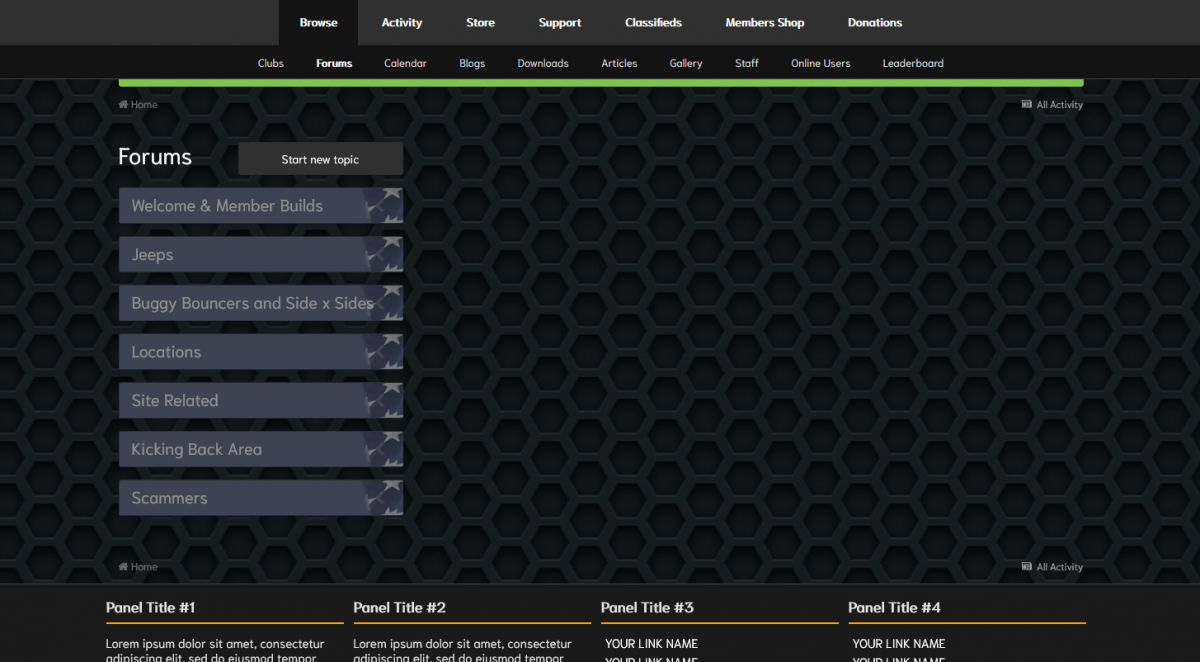
So look around at the bottom for themes and you can select different looks and styles... I am just getting most of them laid out with marks help we even have the support area open so if anyone wants to see what we are talking about and doing they can...figure never no and my boy Dylan is being taught how to buy domain names set up cpanel and back end website software and how to configure and build a website he even bought his own place to try...and set up his own place for fun... 🙂
-
Ill turn on themes so you can see whats happeneing now....and as we progress... Check it out... a lo0t of work then content... a lot of content but Ill get there... keeps me out of trouble...
-
well cool... Sorry Been in 90 different directions lately...
-
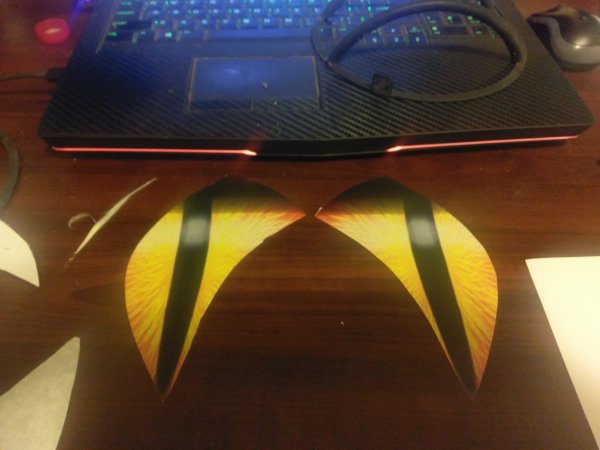
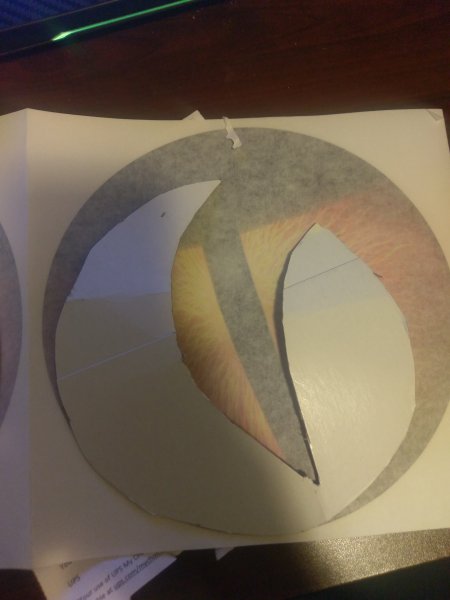
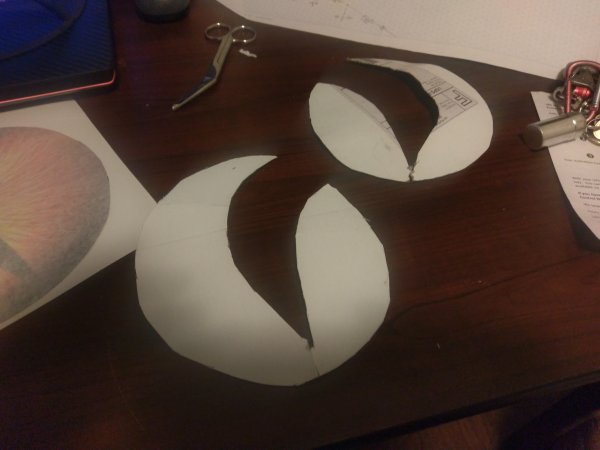
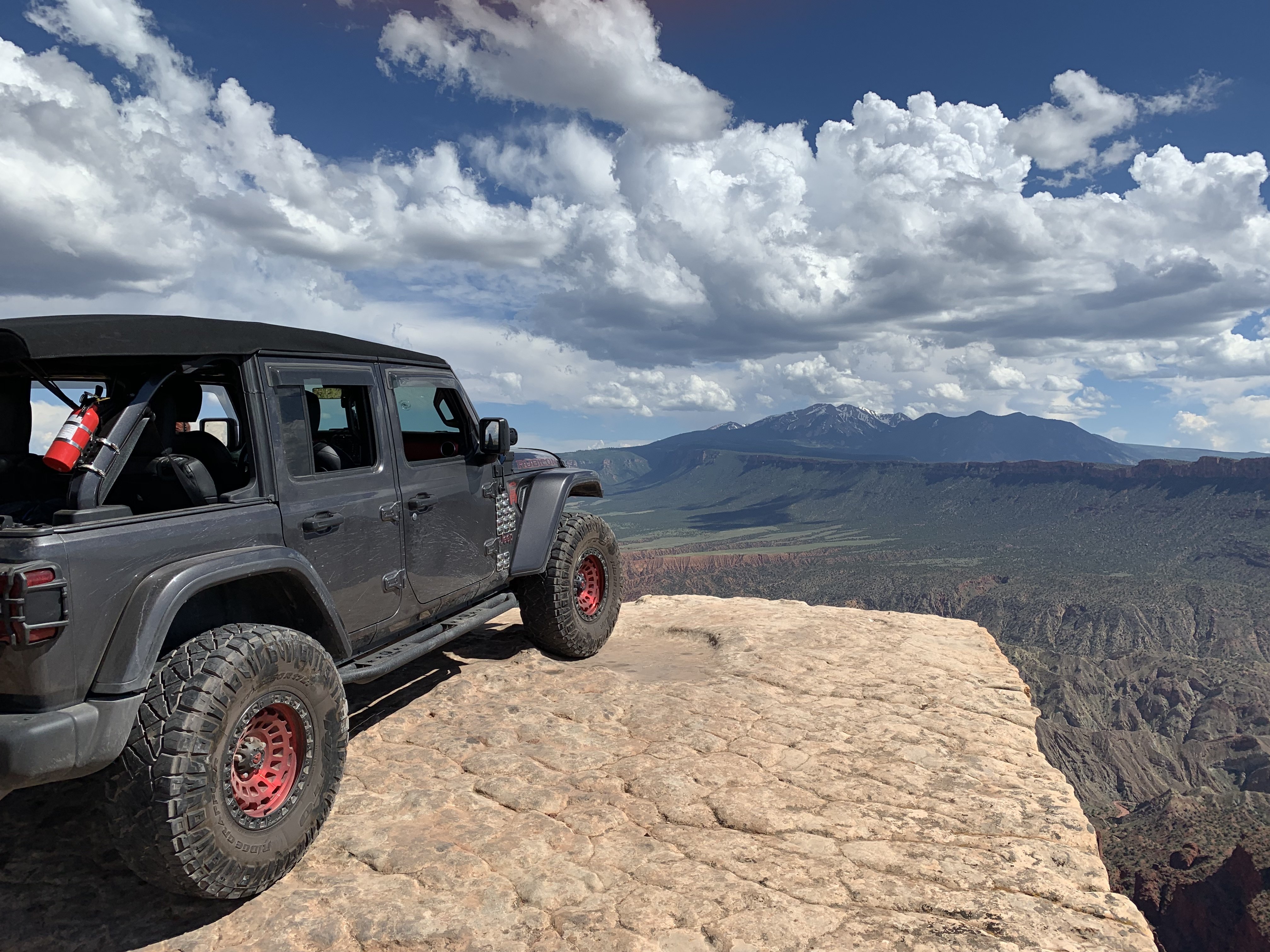
Here is a mod I did to Lucille My 08 JKU Sahara which is now stronger than a rubicon...lol
-
-
-
-
-
-
-
-
-
-
Hey where is the toggle to select the color options I see the back end and they are all active where on front side can you choose the colors... I cant believe I cant locate it? lol
-
6491 Lakeshore Drive Milton Florida 32570
-
I removed them for now... I see the options I like in what we have for now the only change I may add one of the simple user color changer optioned ones so they can set up their own style but right now Im not too worried about that port Once we get log in for FB and Google fixed then people will start to come over so at the same time I can be working on the fly ups and crap I know im going to break... did you have a way to select images to place in the fly ups... so they all size of can you tell me what size to make them ? And the static image in the back ground same thing for those?
-
306 windrift drive slidell LA
-
I wacked Juggernaught and also empoerer since I see them elsewhere and we have begun...and we have a pretty wide selection I may add a selectable one later for now I have enough to keep us busy for a bit... I may choose to remove 4x4 and another that slips me at the moment...
-
Dylan has a few task in front of him and he will be attemnpoting to figure out API and key stuff Its an assignment for him ...and his allowance depends on it... 🙂
-
where is it the user can select from the different color choice options... I looked I must be staring right at it and cant see it...