
Mark
Admin
-
Joined
-
Last visited
Everything posted by Mark
-
Oooops Same idea...
-
Glad to see ya back...lol
-
Ok the text when input in rock looks white for title of thread... ok at least I can post here now weird...days...
-
https://developers.google.com/maps/documentation/embed/get-started?utm_campaign=FY18-Q2-global-demandgen-paidsearchonnetworkhouseads-cs-maps_contactsal_saf&utm_term=KW_%2Bmaps+%2Bembed+%2Bapi-ST_%2Bmaps+%2Bembed+%2Bapi&gclid=CjwKCAjw97P5BRBQEiwAGflV6Y_jUxXa-Y4Ejz2S9MvUojUD3e0VNyzKJBWR-fhiPtV90hEa_Z0JIBoCDqsQAvD_BwE&utm_content=text-ad-none-none-DEV_c-CRE_432494864787-ADGP_Hybrid+|+AW+SEM+|+SKWS+~+Maps+Embed+API-KWID_43700053359877729-kwd-341556981564-userloc_1021721&utm_source=google&utm_medium=cpc Mark Check the above post out... API emmbed for maps...looks easy for you...:)
-
I have other issues in Water I cant open that one yet colors you cant see I am not settled down enough to stop and read the each and every color change ...lol Ya know what i mean... create a topic then load then reply and look at what you see once I get that worked out I think I have a thread on that topic
-
Also in the threaded view it chopping off the first profile post example I made the first reply look at how my top section is missing for this theme...
-
Sliders arent showing and for some odd reason they are blank and duplicate or two windows... I have no idea...
-
Also can you make them so we upload the image not a location of hosting unless you make that so simple its stupid proof...?
-
Also can you add the 25 sliders to them Gradient themes Dylan is currently working on? Please
-
Ok I added the American Banner to top of the Gradient themes Dypan is working on and the header needs your special attention for heigth...Please sir..I know yu can do that in minutes...:)
-
If you notice they are chopped where user profile name and such are located I will see how a banner acts now and then reply back this is so I dont forget I am about to start having users get added soon...for help building the site content... Thanks man...
-
Iim not seeing any trees or anything for sliders... We should have like 25 slots for jeeps to be showcased in the sliders... on the Facebook page search FB American Jeeper for Rock pics and they should come up... Start on the back ground then adding in the jeep images...
-
I figure with your videos you know how to post an MP4 into invision I get a WOW Elite text entry box is also too dark for normal use...when inputting information like when Im typing this in... anyhow can you see if you can figure out how to upload an MP4 and mov and such? please... We need it as bright going in as it shows when posted...
-
we still have a bit of work in this one man...the text is almost to dark when you reply like now...there is a big white stripe down the left side under your user name and the input text box at bottom and Ill find more later...lol Just making notes Side rail I mentioned which is whit is too close to border for replies and text check it out under themes running mozilla...
-
This is not software by the way...maybe it should be?
-
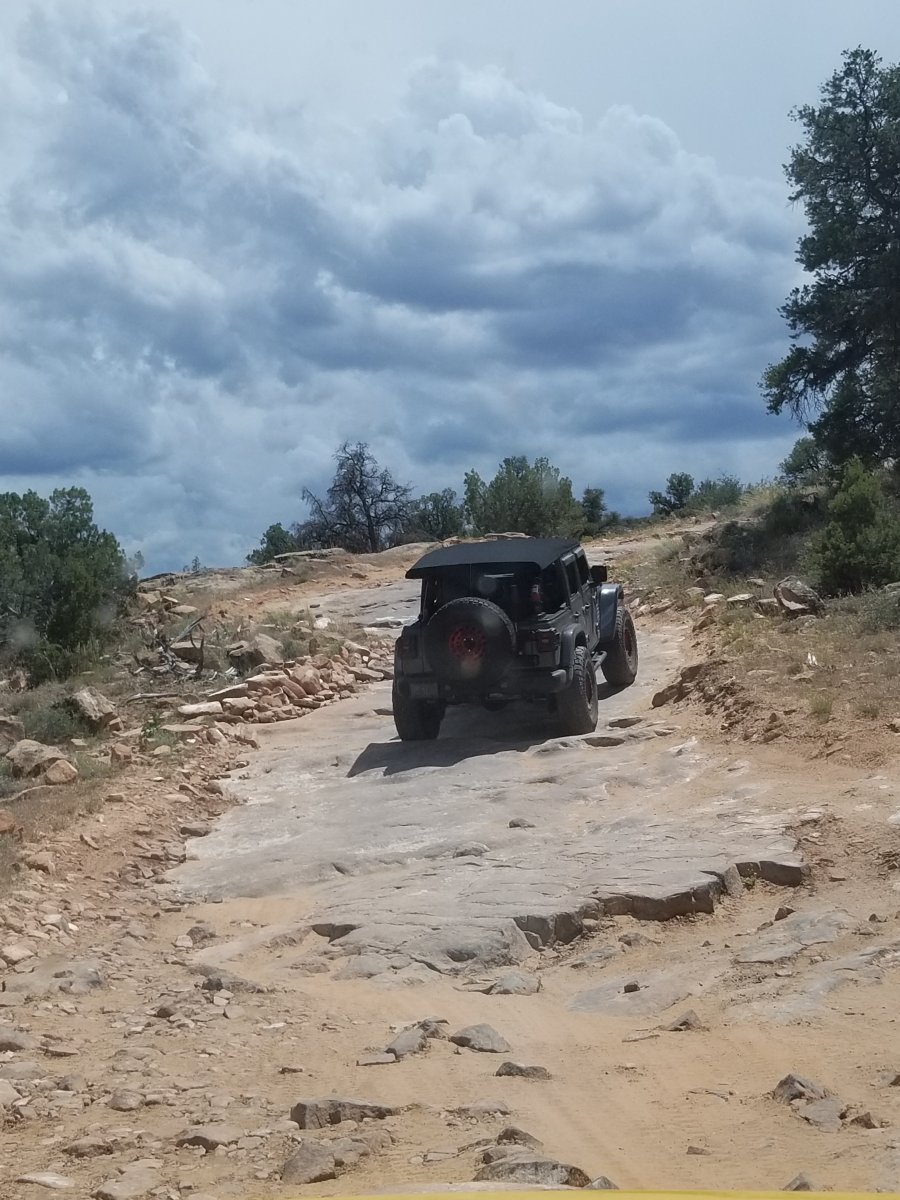
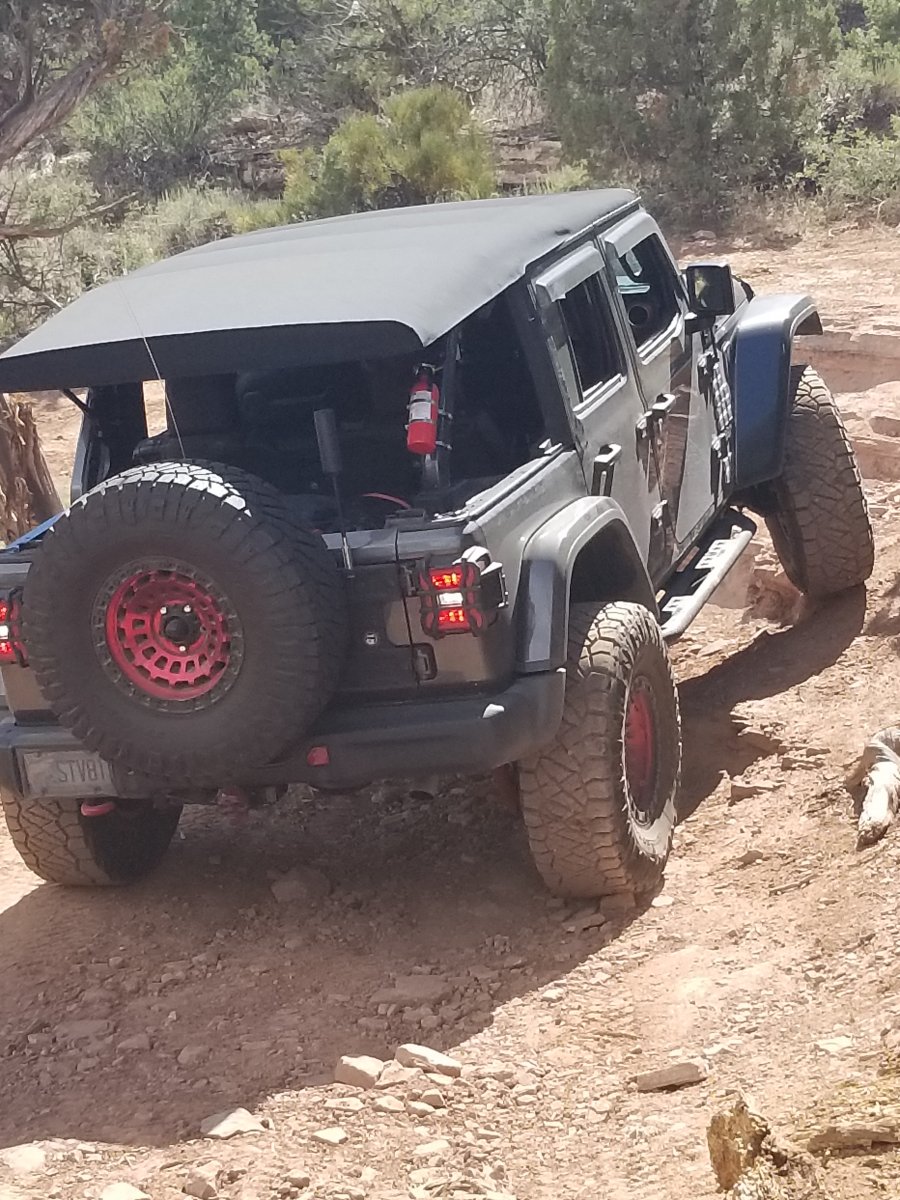
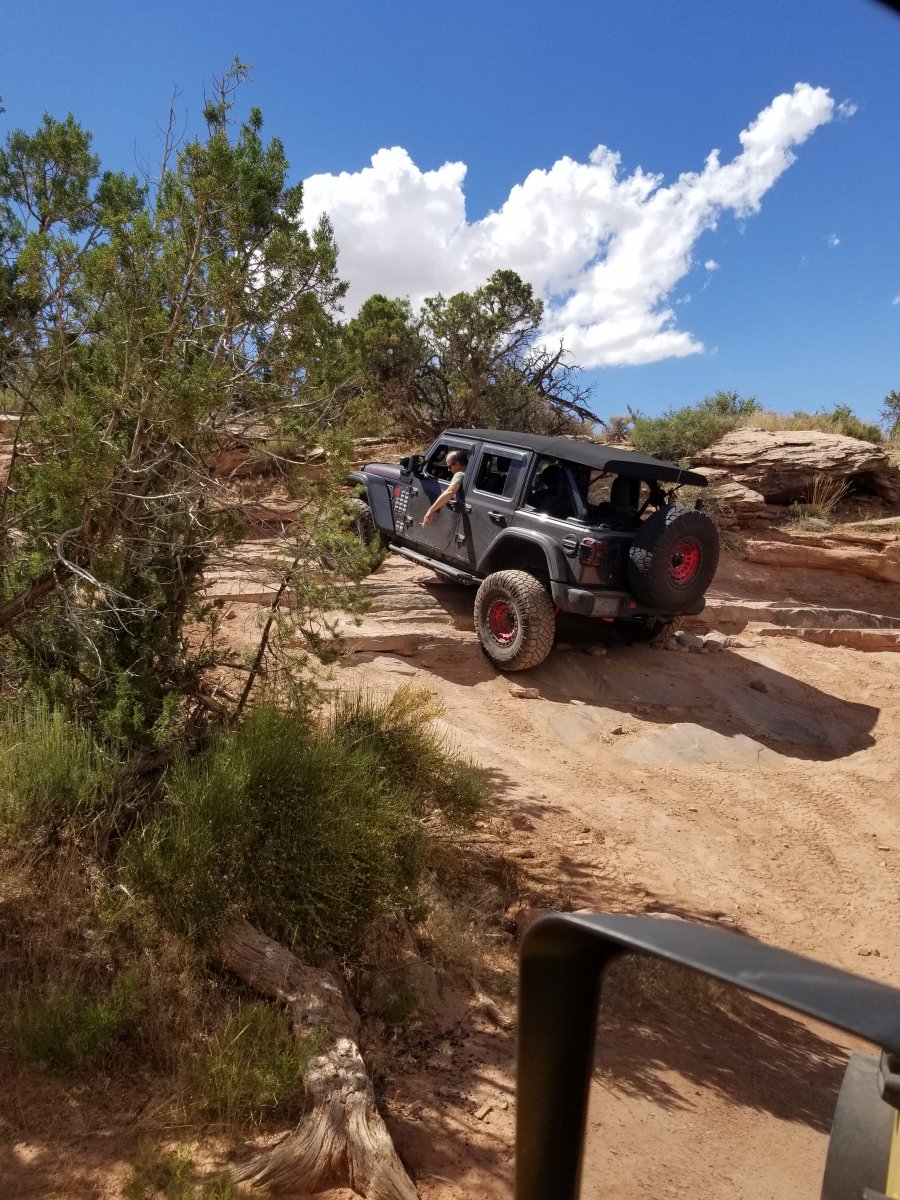
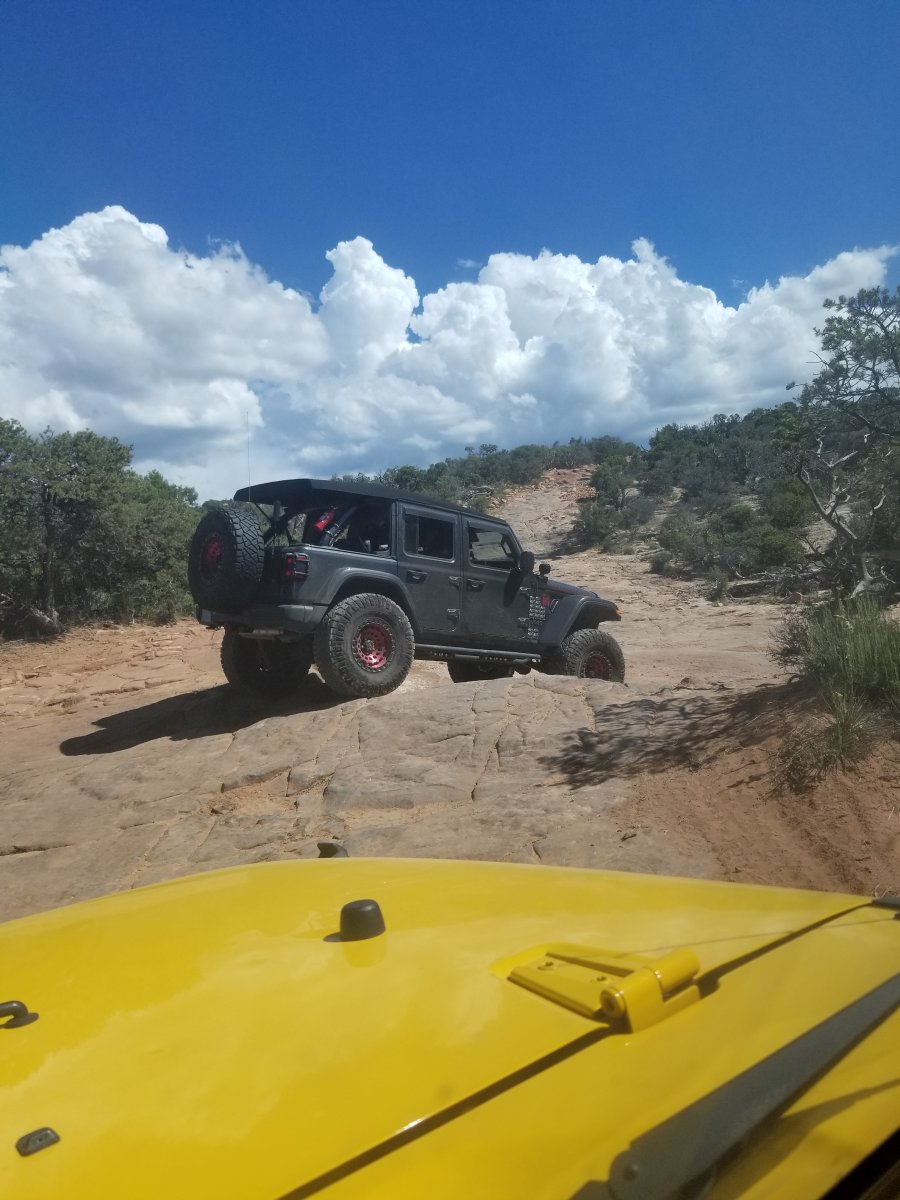
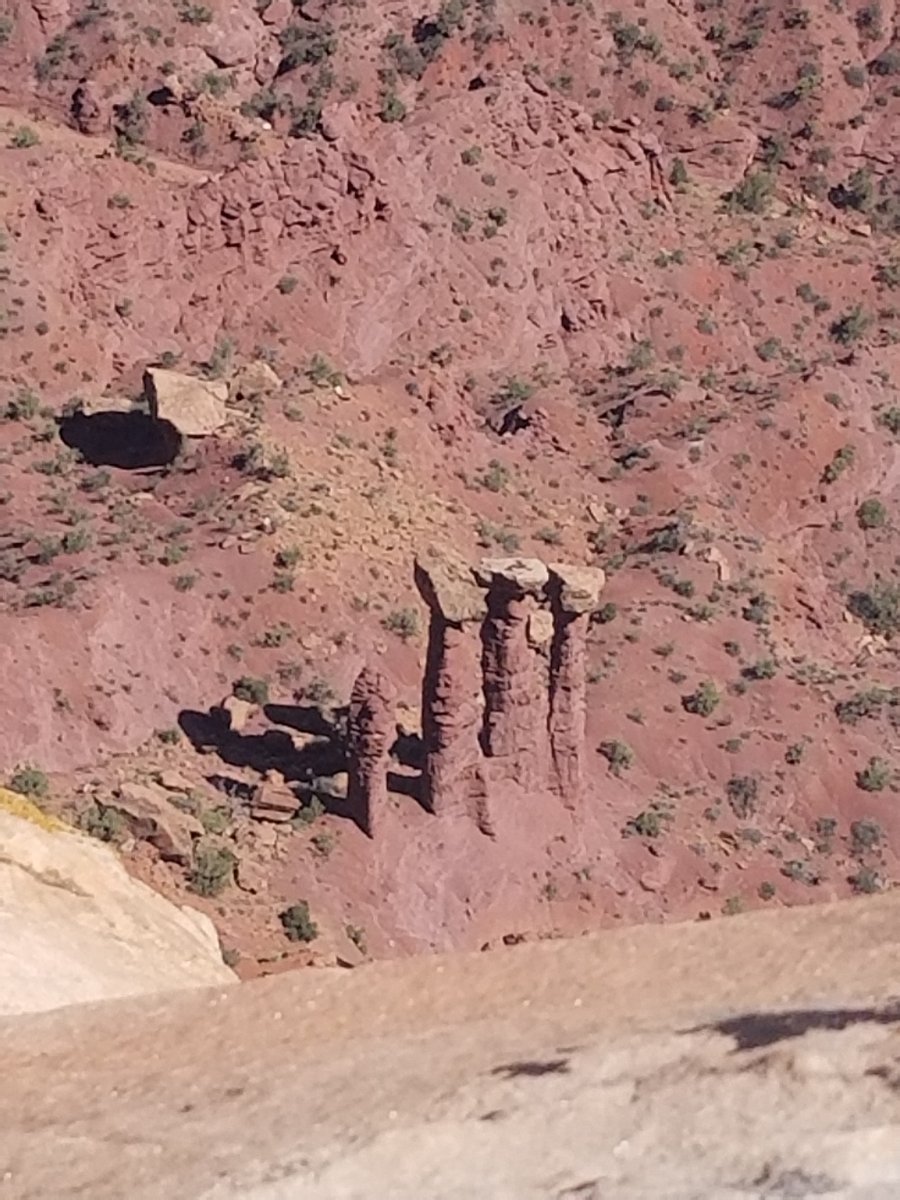
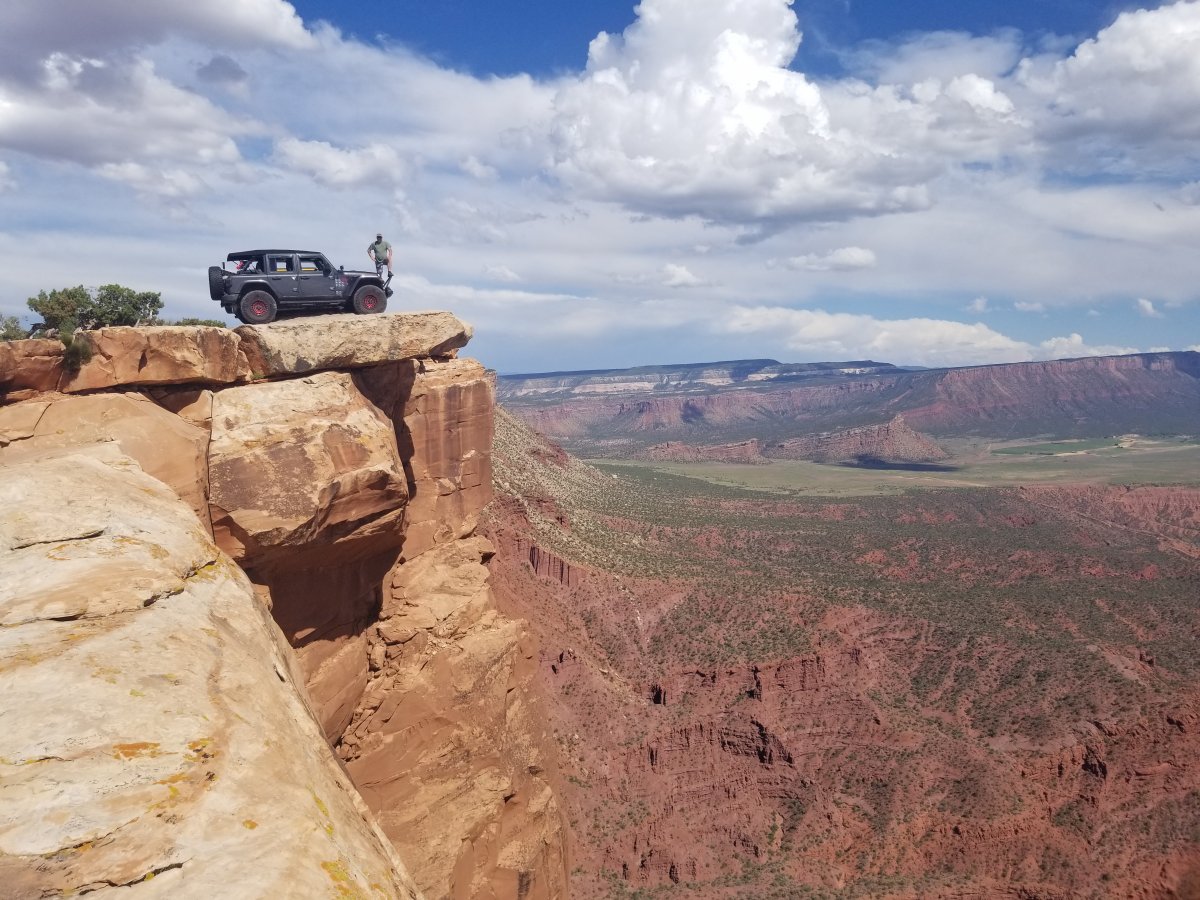
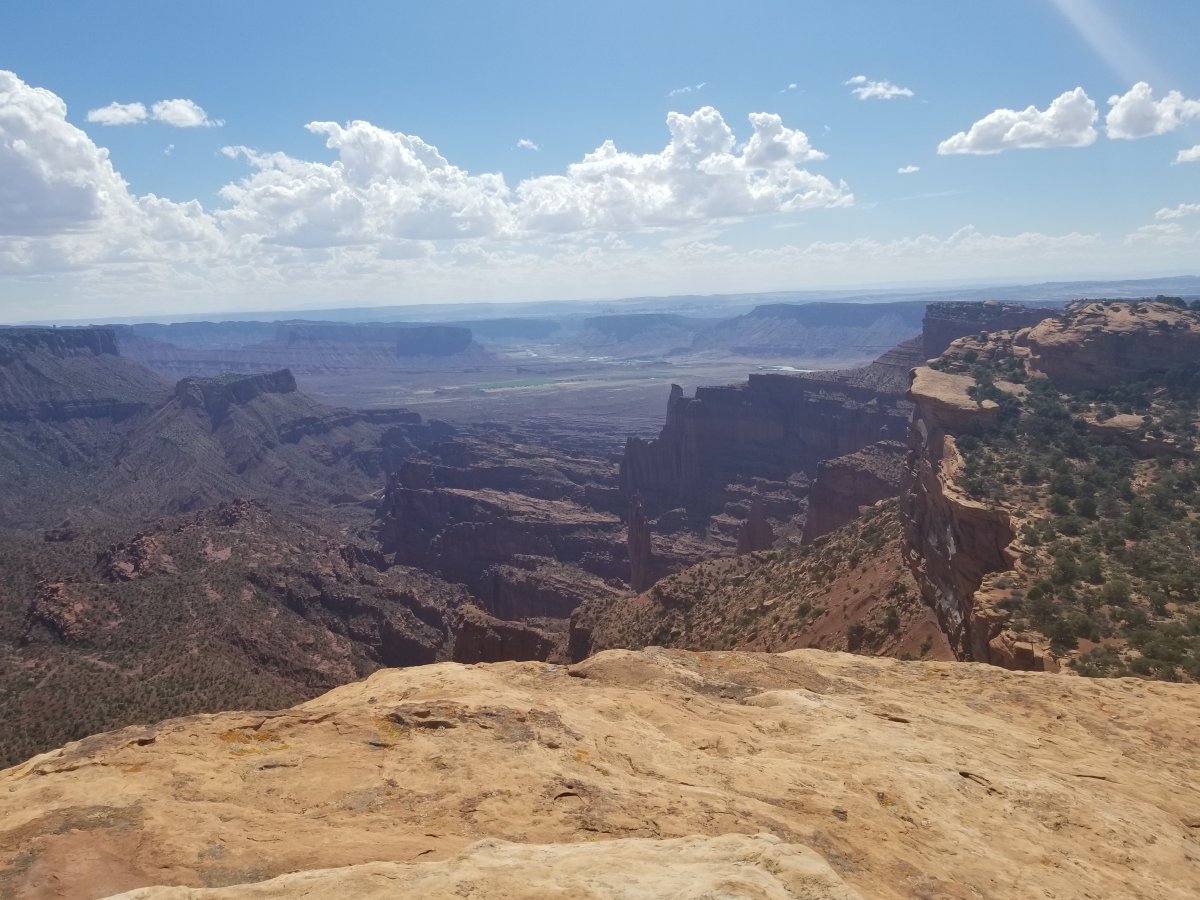
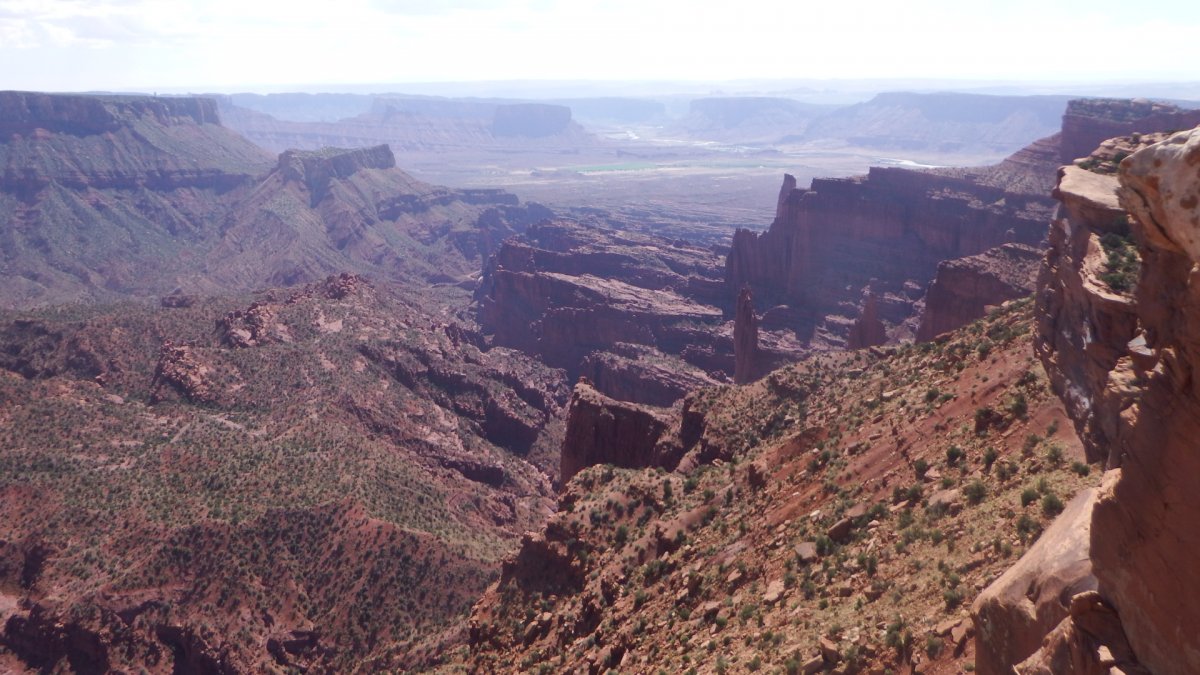
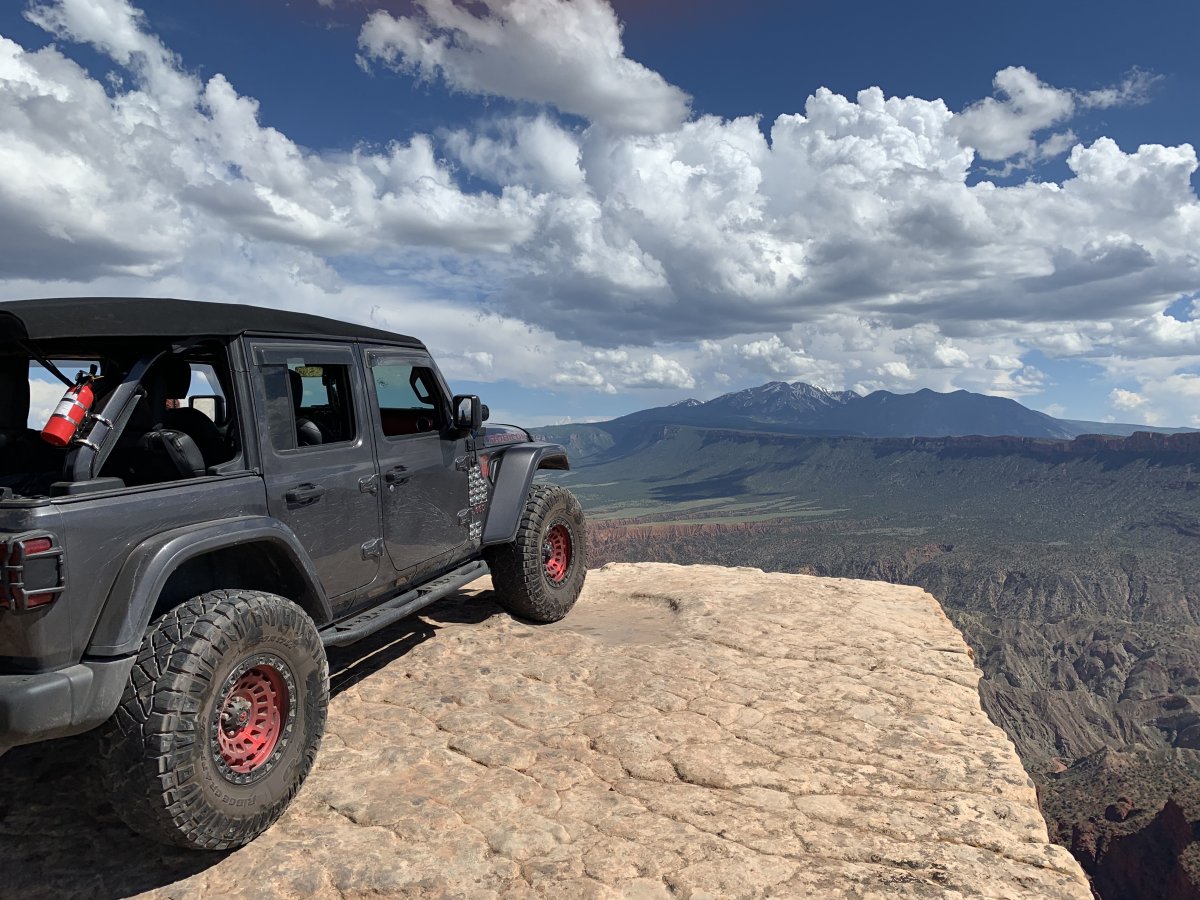
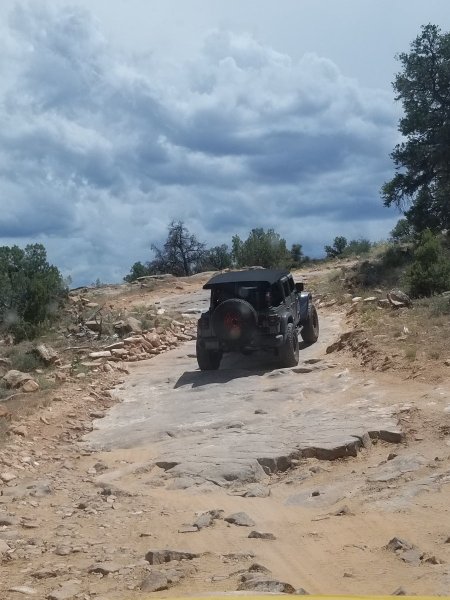
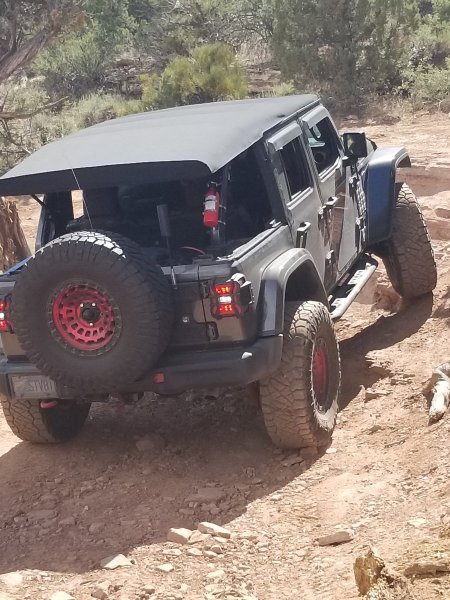
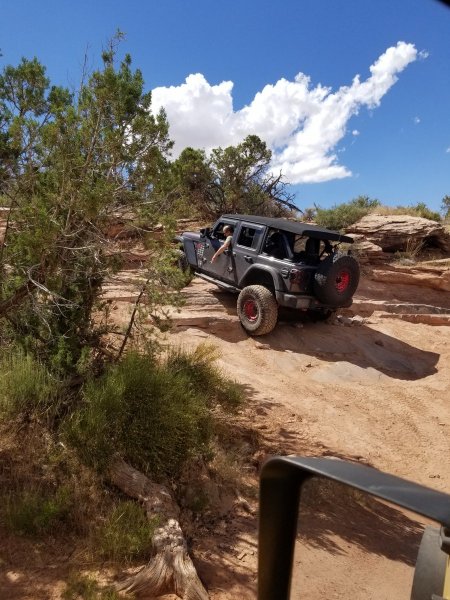
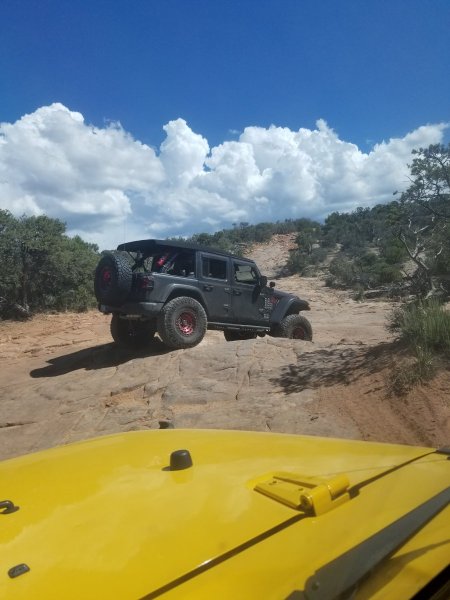
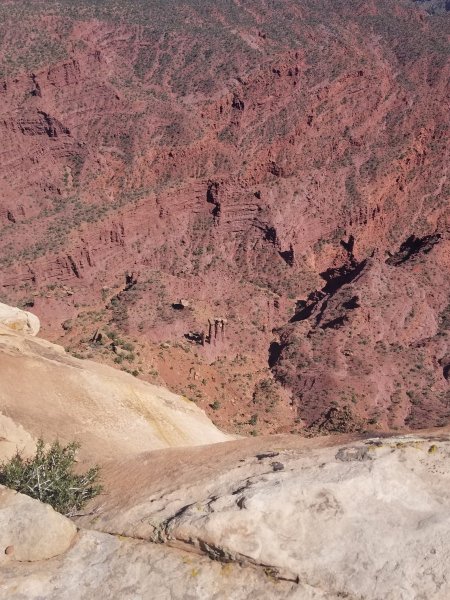
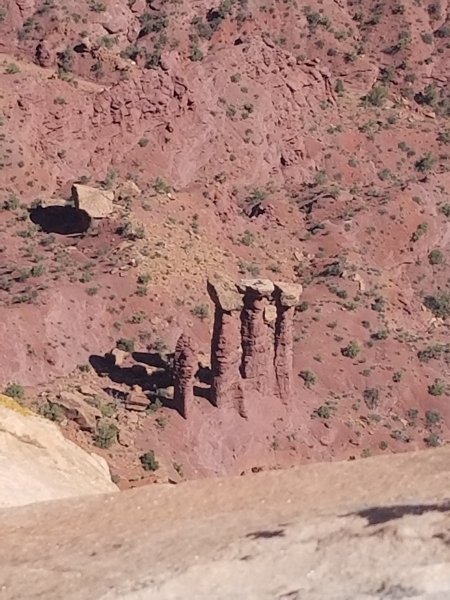
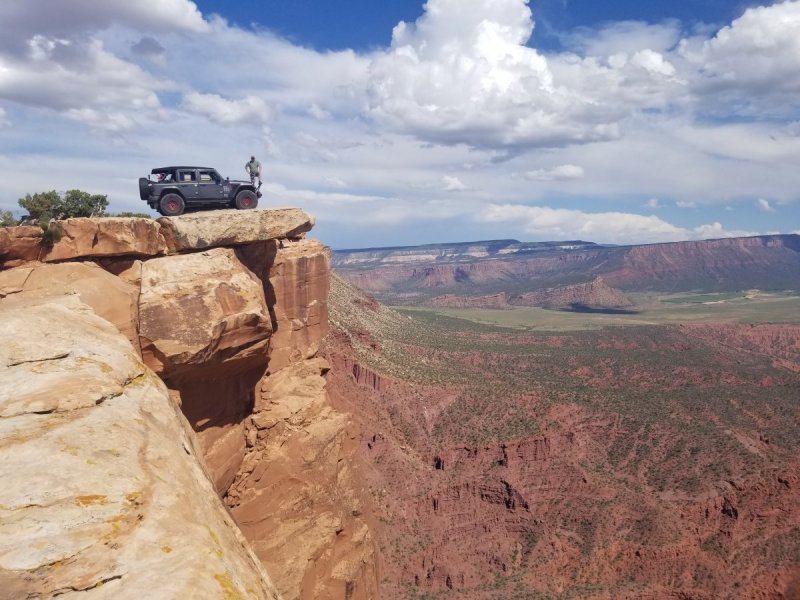
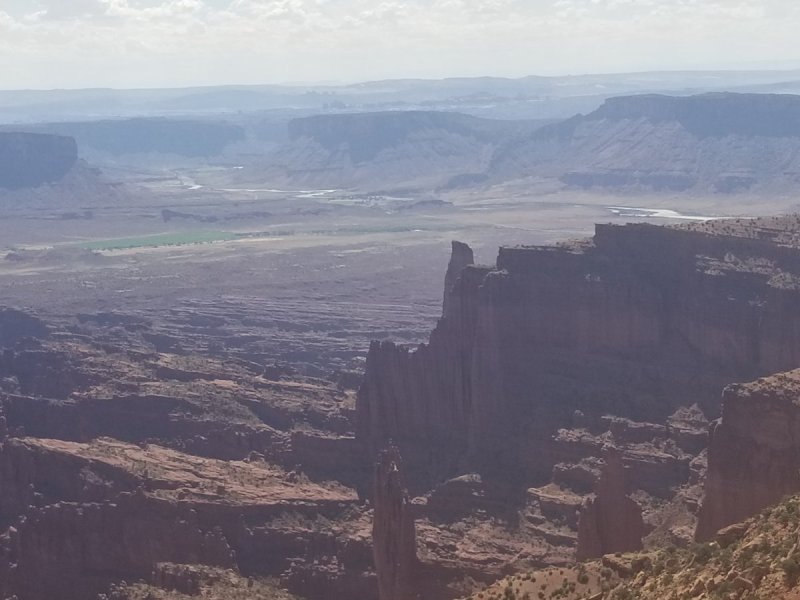
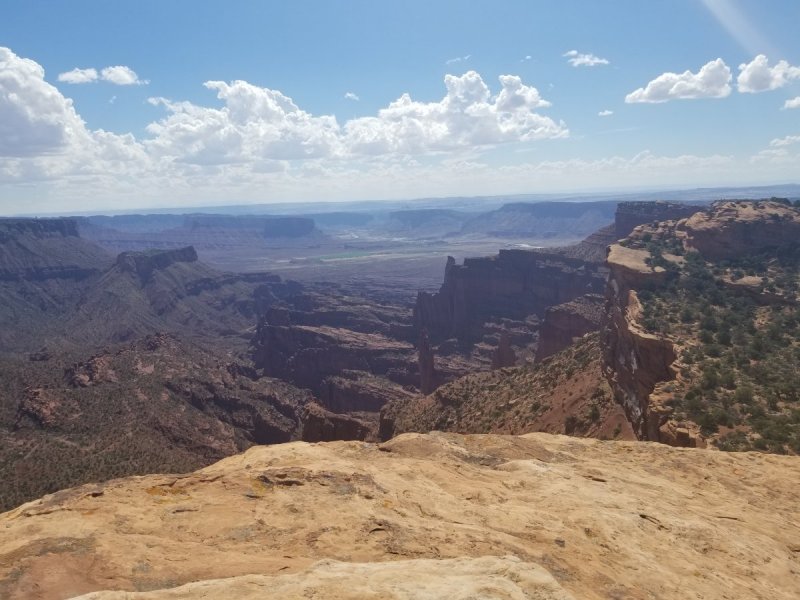
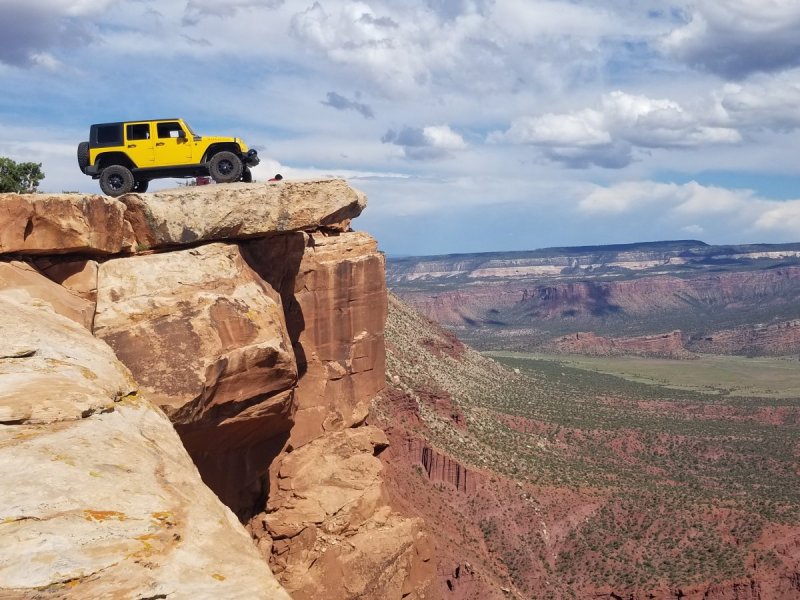
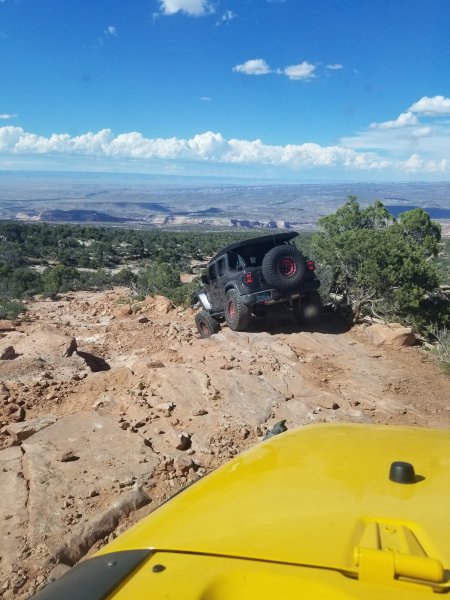
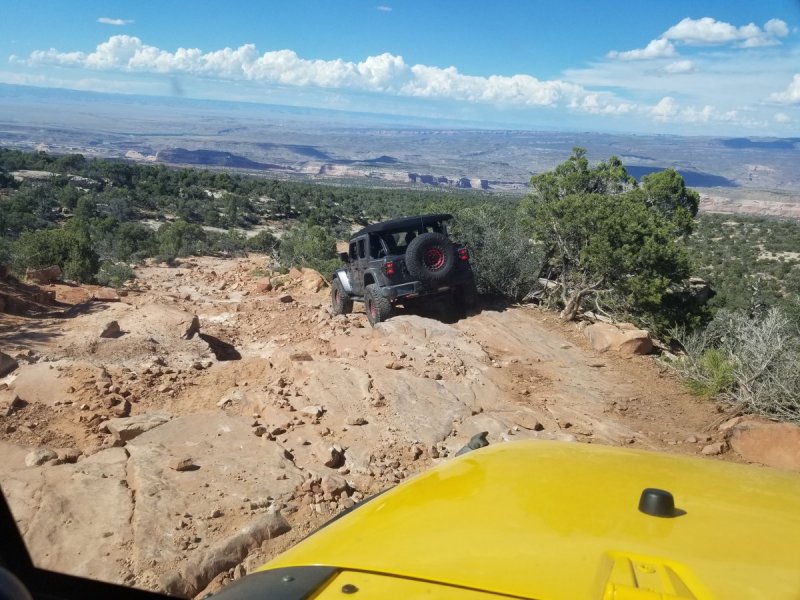
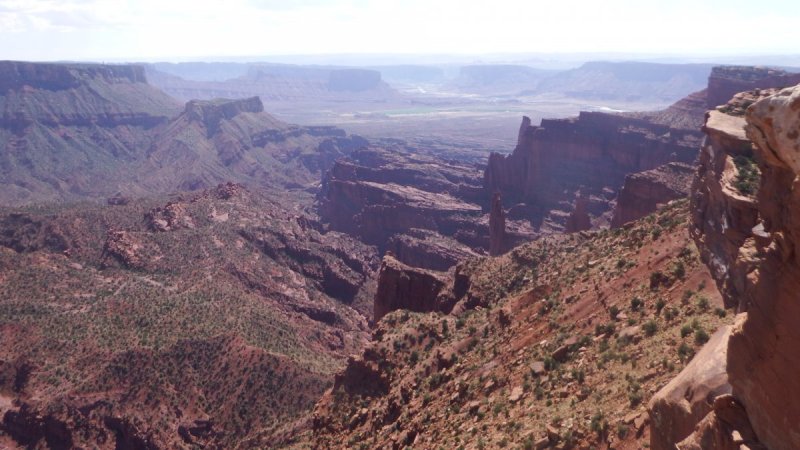
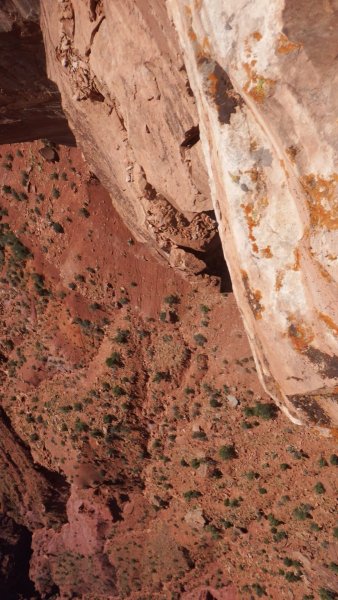
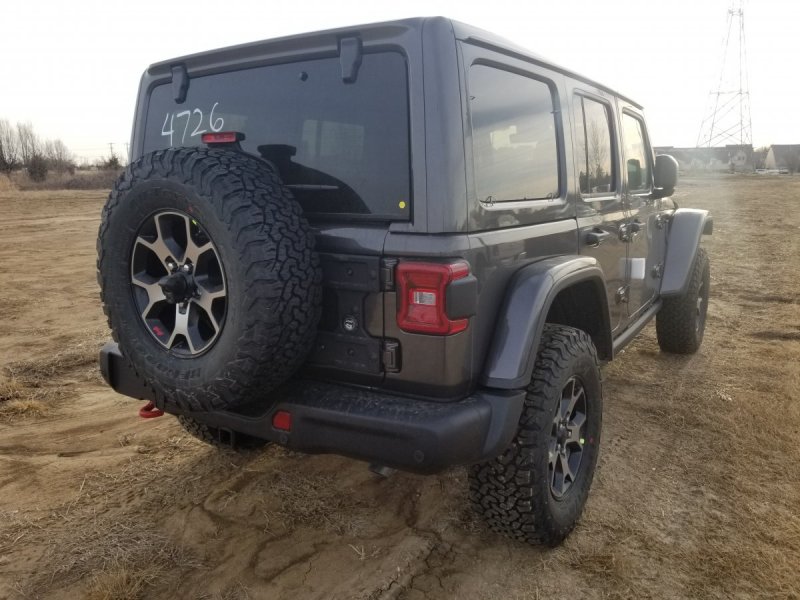
Great place trail is I would say about a 4 out of 9 to me... the last set of step ups at the summit being the most challenging where I estimate approx 2.5" lift I mean stock is possible I guess but a slight lift is easier...
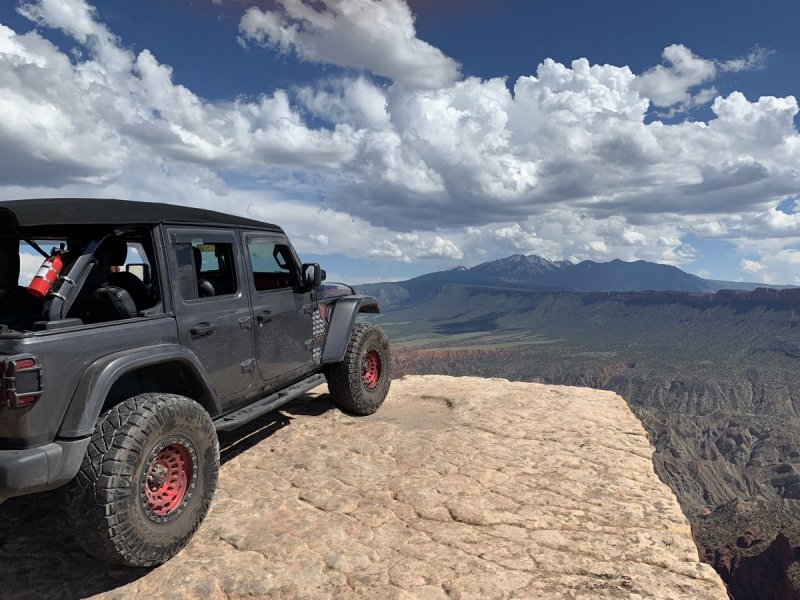
-
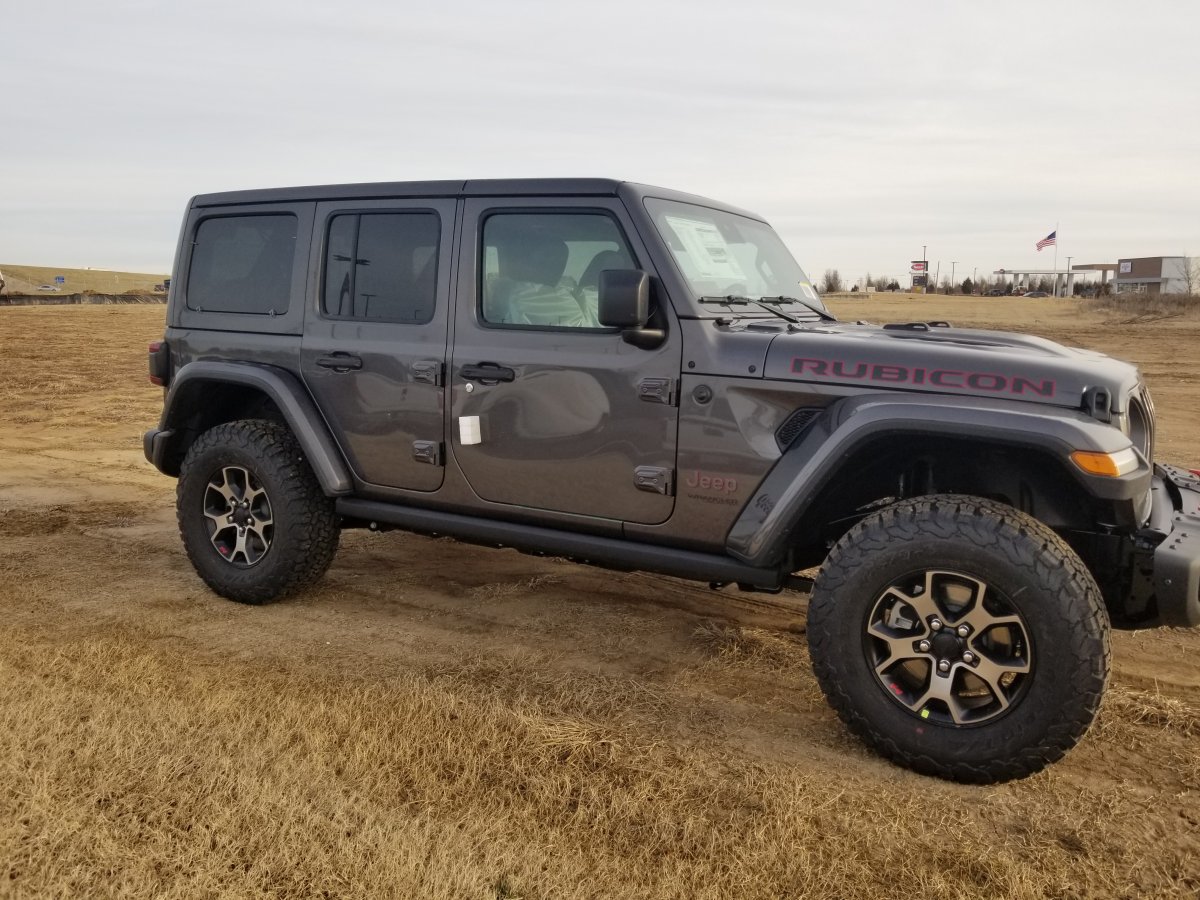
I will update later from this stock image to the completed version Im driving for now...
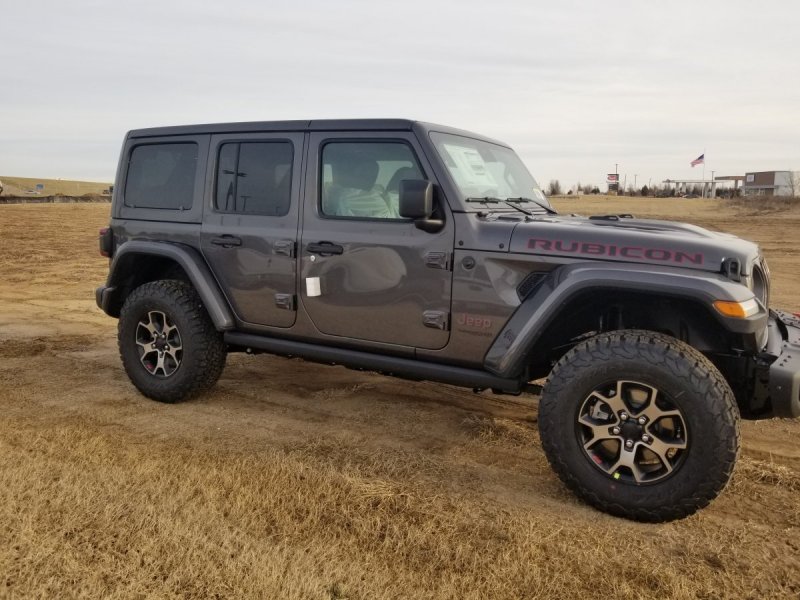
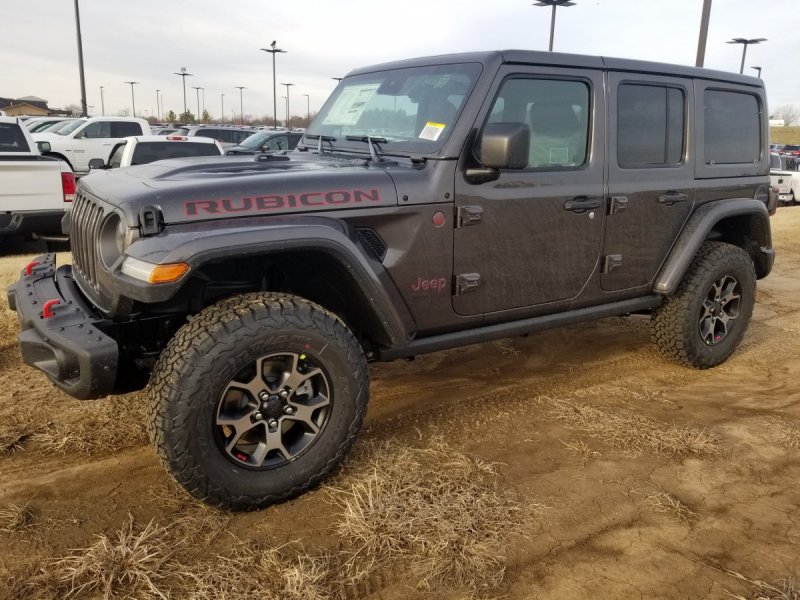
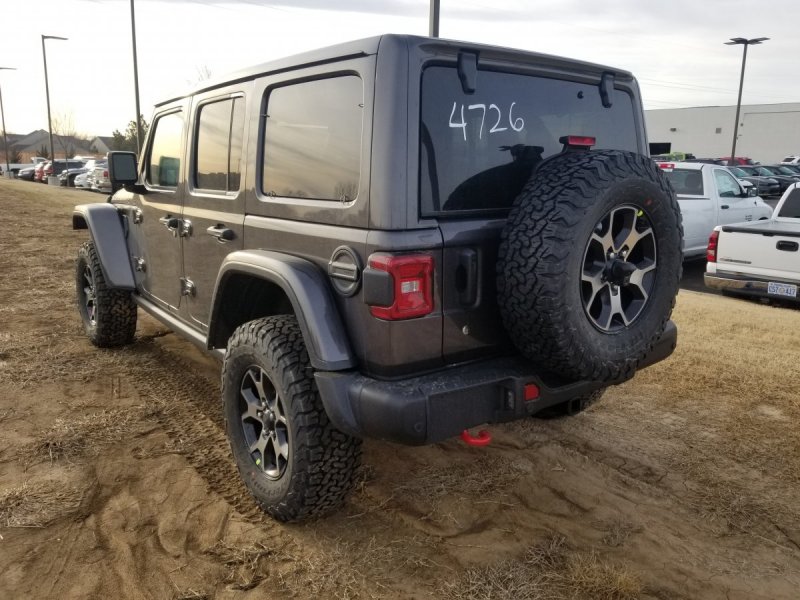
-
Ill try if Im off Sunday but they informed us we may work every sunday from now through end of sept... which is kinda good kinda bad... Dylan is attempting to learn to do things also like Gradient he may ask you some questions man... He got twitter working for log in also... And as mentioned google is working... and I set up an Admin account so I cant get locked out playing with stuff... We also created a fake FB account and google so we can check things without making our account change... 🙂
-
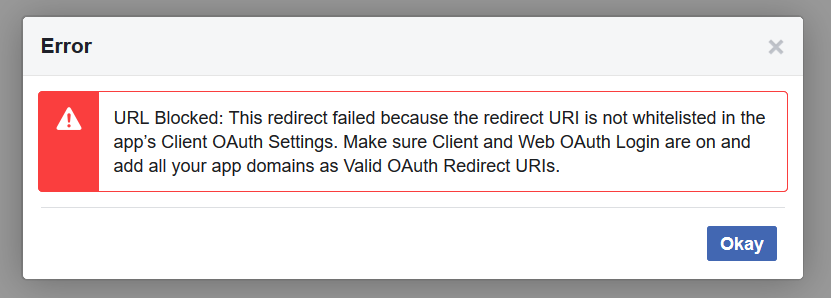
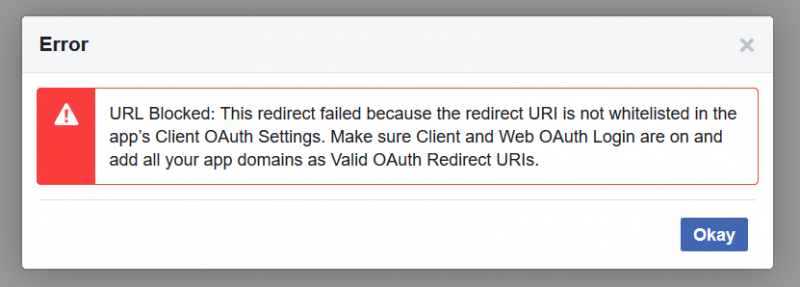
Google changed my user name...lol FB still no go Maps still no go from google... I dont know whats up with FB at all... I wish I could recover the previous one but oh well if something doesnt give soon Ill scrub the entire idea... 🙂
-
FB no good...lol welcome to my world... I had it set up on other site but since I no longer have any back ups I dont have the same key
-
I sent you Bday present mate... you earned it...lololol
-
-
Is there a way to include up to 25 slides in this theme? like you did on other one... and then I return to the same question these are links outside hosted is there a way to get them up-loadable from within admin CP? We get that and the ability to control timing and... The ability to upload images into the fly up and static image behind would be tits... 🙂 just sayin...lolol
-
We need to look at the top of the page right side partially hidden at some point...if you fix the main one Ill have Dylan Pause on the customization ones... that way when he copies over they will all match...

-
Its gonna take a little bit of time. For now I have all skin options viewable, this way you all can see changes and work that is being done - If you care... Soon this phase will be completed and then we will open up for real and start working on adding content back in... Bare with us and check it out if your interested...