




All Activity
- Past hour
-
Im tweaking now it didnt break the site I removed the old version and installed a new version... Ill be upgrading whatever the Classifieds section as soon as I get a chance...
-
Invision Community v5.0.17
- Yesterday
Fixed itNo I’ll keep the jeep one can you shrink it to fit Currently I broke website kinda I’m working on the chat box update atmThis seemed a lot smarter 4 years ago, lol. Bankrupt company now and it took the crypto with it.Another one Me Im excited I created a QR code...
 I left the board set up on .us because I didnt know if we had specific links that would break if moved to .com... the site is actually still on .us but .dot com points to .us No big deal either way...is there not room for AmericanJeeper.us also ? Its not a giant deal just curious since we own both...Awesome man...
- Last week
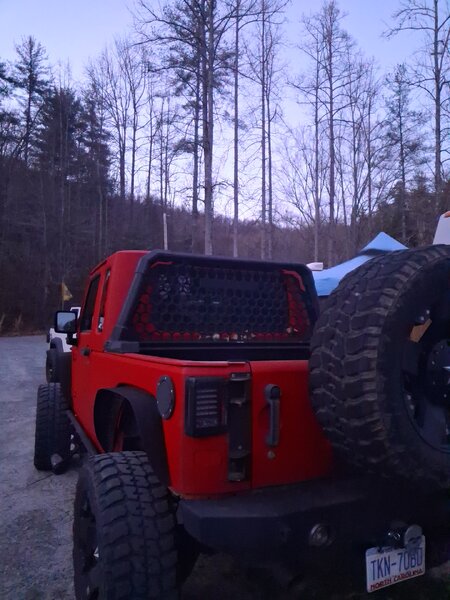
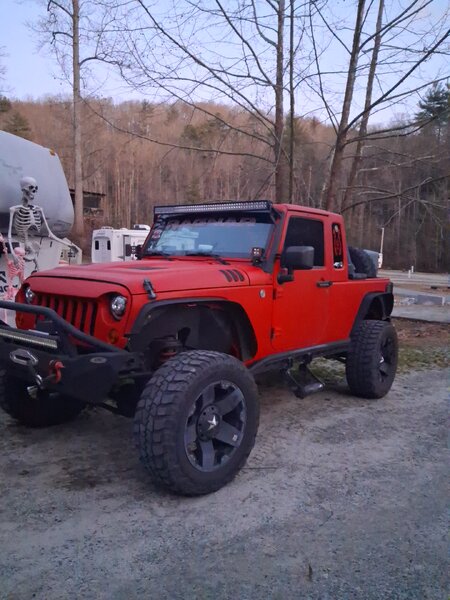
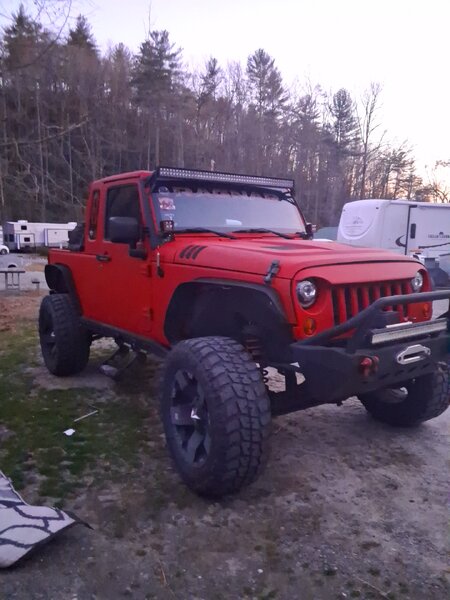
Its a bit too large check the sales section...Lol I like it though and its there...Hang Tight a lot will soon be offered...Well Thats spiffy...2012 JK conversion built by Starwood motors out of Texas. Under 64,000 miles. Asking $16,500 obo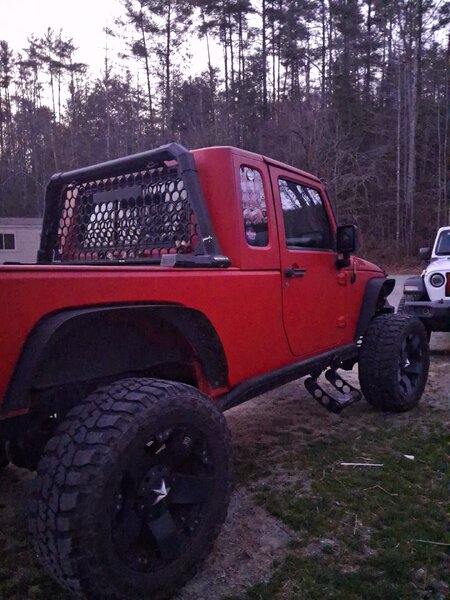
 Jodi Clark Purvis joined the communityAny good?
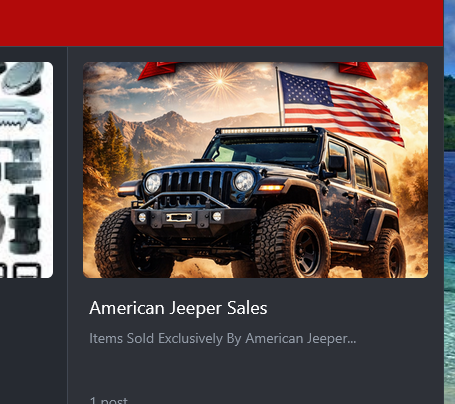
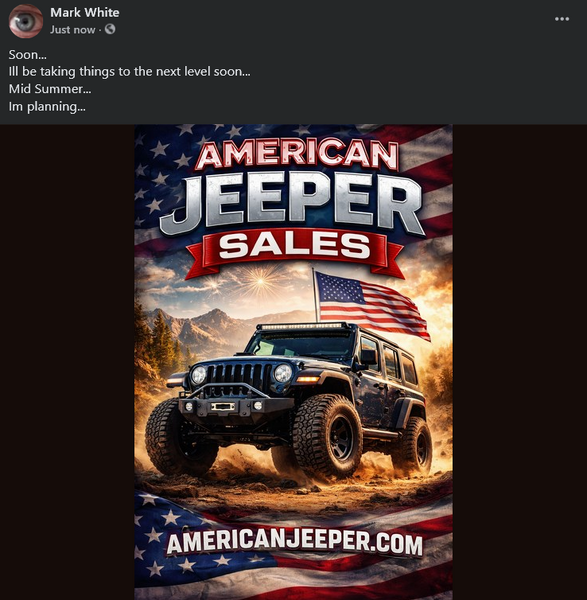
 its the water one for now, i can do more with this just testing things out atmFixed!ooops Copyright :)Ill try this now... is this all themes ?Sure man Im easier to deal with now...lol can the timing be increased Ill read the customization again I am finally feeling almost normal again today...Im creating American Jeeper Sales Need image for section... ???


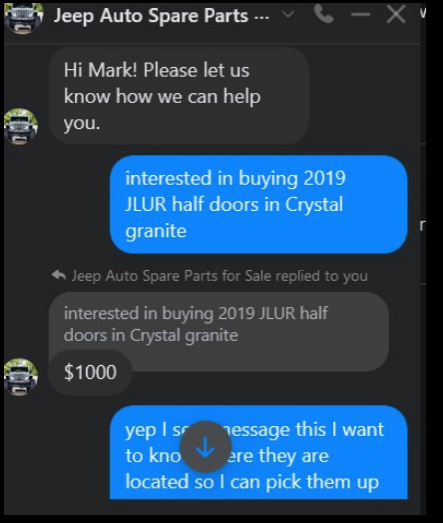
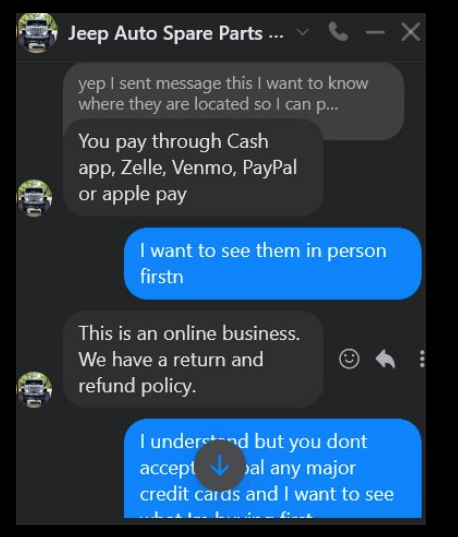
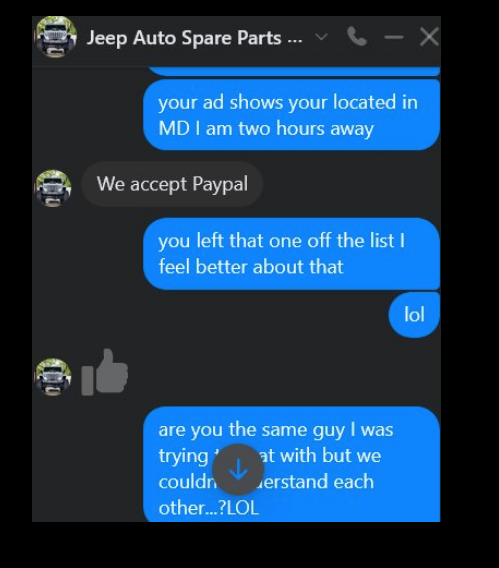
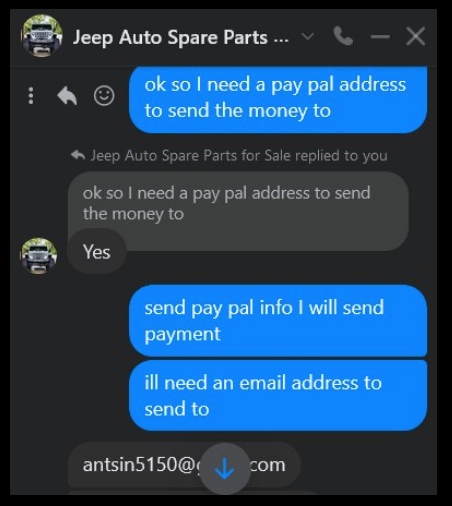
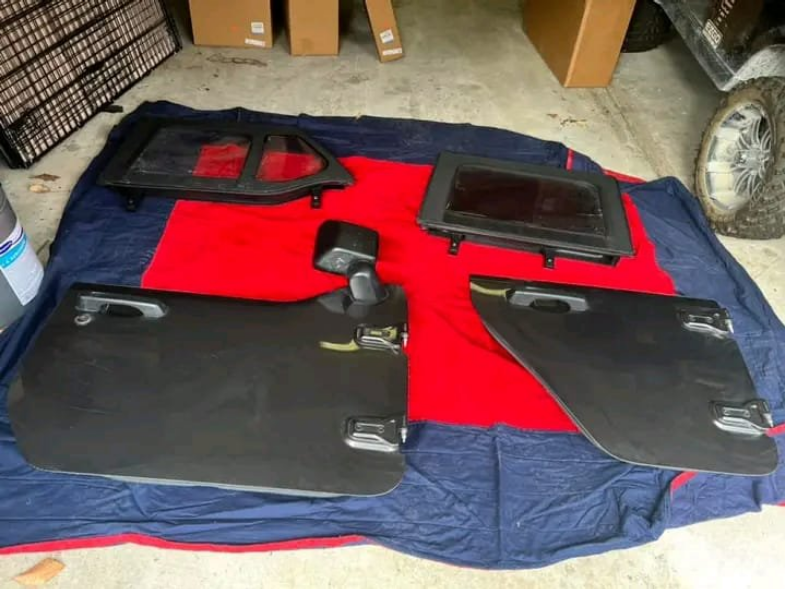
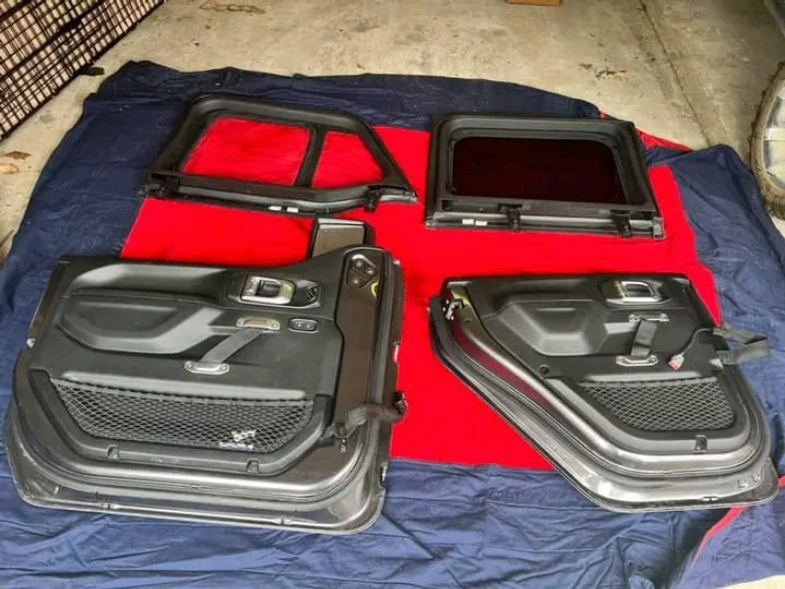

Important Information
This is New takes only a second its about all of us and respect..Have at it...:) and Welcome...
Account
Navigation
Search
Configure browser push notifications
Chrome (Android)
- Tap the lock icon next to the address bar.
- Tap Permissions → Notifications.
- Adjust your preference.
Chrome (Desktop)
- Click the padlock icon in the address bar.
- Select Site settings.
- Find Notifications and adjust your preference.
Safari (iOS 16.4+)
- Ensure the site is installed via Add to Home Screen.
- Open Settings App → Notifications.
- Find your app name and adjust your preference.
Safari (macOS)
- Go to Safari → Preferences.
- Click the Websites tab.
- Select Notifications in the sidebar.
- Find this website and adjust your preference.
Edge (Android)
- Tap the lock icon next to the address bar.
- Tap Permissions.
- Find Notifications and adjust your preference.
Edge (Desktop)
- Click the padlock icon in the address bar.
- Click Permissions for this site.
- Find Notifications and adjust your preference.
Firefox (Android)
- Go to Settings → Site permissions.
- Tap Notifications.
- Find this site in the list and adjust your preference.
Firefox (Desktop)
- Open Firefox Settings.
- Search for Notifications.
- Find this site in the list and adjust your preference.