


Skip to content
View in the app

A better way to browse. Learn more.

American Jeeper

A full-screen app on your home screen with push notifications, badges and more.

To install this app on iOS and iPadOS
  1. Tap the Share icon in Safari
  2. Scroll the menu and tap Add to Home Screen.
  3. Tap Add in the top-right corner.
To install this app on Android
  1. Tap the 3-dot menu (⋮) in the top-right corner of the browser.
  2. Tap Add to Home screen or Install app.
  3. Confirm by tapping Install.

American Jeeper Forums

  1. Welcome & Member Builds

  2. Jeeps

      • 0 posts
      • 0 posts
      • 0 posts
      • 0 posts
      • 0 posts
      • 0 posts
      • 0 posts
      • 0 posts
      • 0 posts
      • 0 posts
      • 0 posts
      • 0 posts
  3. Jeeps and Parts For Sale

    1. Complete Jeeps for sale Not part Outs...

      Running Driving Jeeps ONLY...

      • 1 post
  4. Wheeling Locations

  5. Investing

  6. Kicking Back Area

      • 0 posts
      • 0 posts
      • 0 posts
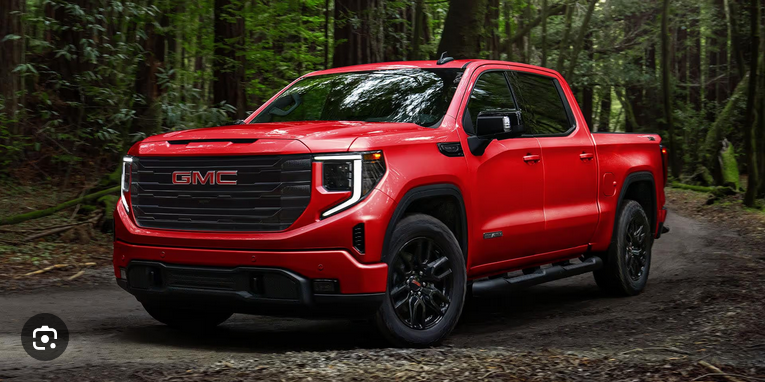
    1. GMC

      • 0 posts
      • 0 posts
      • 0 posts
  7. Site Related

      • 0 posts
  8. Truth Seekers

  9. Scammers

  10. Club Forums

Member Statistics

  • 77 Total Members
  • 987 Most Online
  • StevStymn Newest Member ·

Important Information

This is New takes only a second its about all of us and respect..Have at it...:) and Welcome...

Account

Navigation

Search

Search

Configure browser push notifications

Chrome (Android)
  1. Tap the lock icon next to the address bar.
  2. Tap Permissions → Notifications.
  3. Adjust your preference.
Chrome (Desktop)
  1. Click the padlock icon in the address bar.
  2. Select Site settings.
  3. Find Notifications and adjust your preference.