Skip to content
View in the app

A better way to browse. Learn more.

American Jeeper

A full-screen app on your home screen with push notifications, badges and more.

To install this app on iOS and iPadOS
  1. Tap the Share icon in Safari
  2. Scroll the menu and tap Add to Home Screen.
  3. Tap Add in the top-right corner.
To install this app on Android
  1. Tap the 3-dot menu (⋮) in the top-right corner of the browser.
  2. Tap Add to Home screen or Install app.
  3. Confirm by tapping Install.

Articles

3 articles in this category

  1. Mark ·
    Welcome to Pages! Pages extends your site with custom content management designed especially for communities. Create brand new sections of your community using features like blocks, databases and articles, pulling in data from other areas of your community. Create custom pages in your community using our drag'n'drop, WYSIWYG editor. Build blocks that pull in all kinds of data from throughout your community to create dynamic pages, or use one of the ready-made widgets we include with the Invisi
    • 0 comments
    • 963 views
  2. Mark ·
    Its gonna take a little bit of time. For now I have all skin options viewable, this way you all can see changes and work that is being done - If you care... Soon this phase will be completed and then we will open up for real and start working on adding content back in... Bare with us and check it out if your interested...
    • 0 comments
    • 958 views
  3. Mark ·
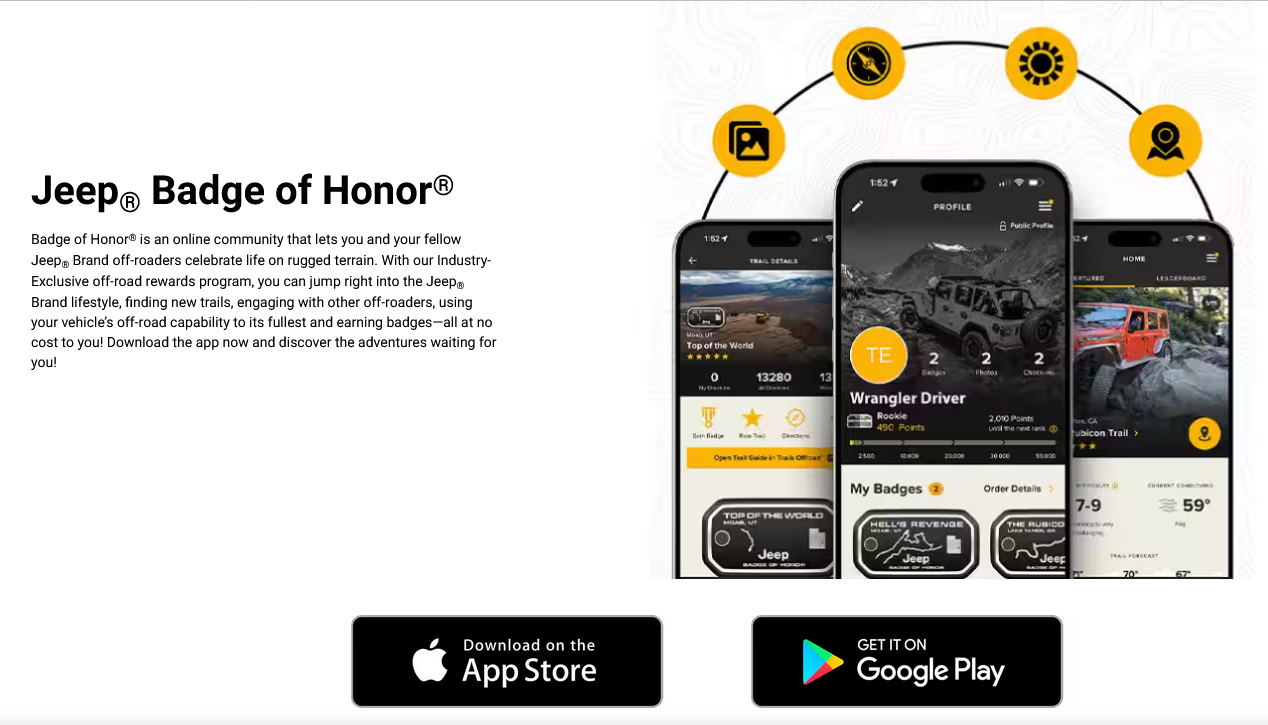
    Jeep® Off-Roading - Badge of Honor WWW.JEEP.COM Join the Jeep® Badge of Honor community of off-roading enthusiasts. Download the app to browse trails, earn points and get badges of honor today!  

    • 0 comments
    • 1,125 views

Important Information

This is New takes only a second its about all of us and respect..Have at it...:) and Welcome...

Account

Navigation

Search

Search

Configure browser push notifications

Chrome (Android)
  1. Tap the lock icon next to the address bar.
  2. Tap Permissions → Notifications.
  3. Adjust your preference.
Chrome (Desktop)
  1. Click the padlock icon in the address bar.
  2. Select Site settings.
  3. Find Notifications and adjust your preference.